

Introduction — a plain scene, a sharp stat, a question
I’ll say it straight: a single production bottleneck can quietly wreck a month’s schedule. I’ve seen small workshops and mid-size factories struggle when a single machine underperforms. In my work with an industrial SLA 3d printer I watched a line in Johannesburg cut rejects by nearly 40% after we changed process controls (true story, March 2022). That kind of saving makes you ask: what do you actually need to compare before you buy or upgrade? I write from over 18 years working with B2B supply teams and manufacturers — I know which small choices become big costs. So let’s get practical and clear; I’ll point out what I look for, what I avoid, and why those choices matter for production speed, part quality and total cost of ownership.
Where the usual fixes fail — technical faults and hidden user pain
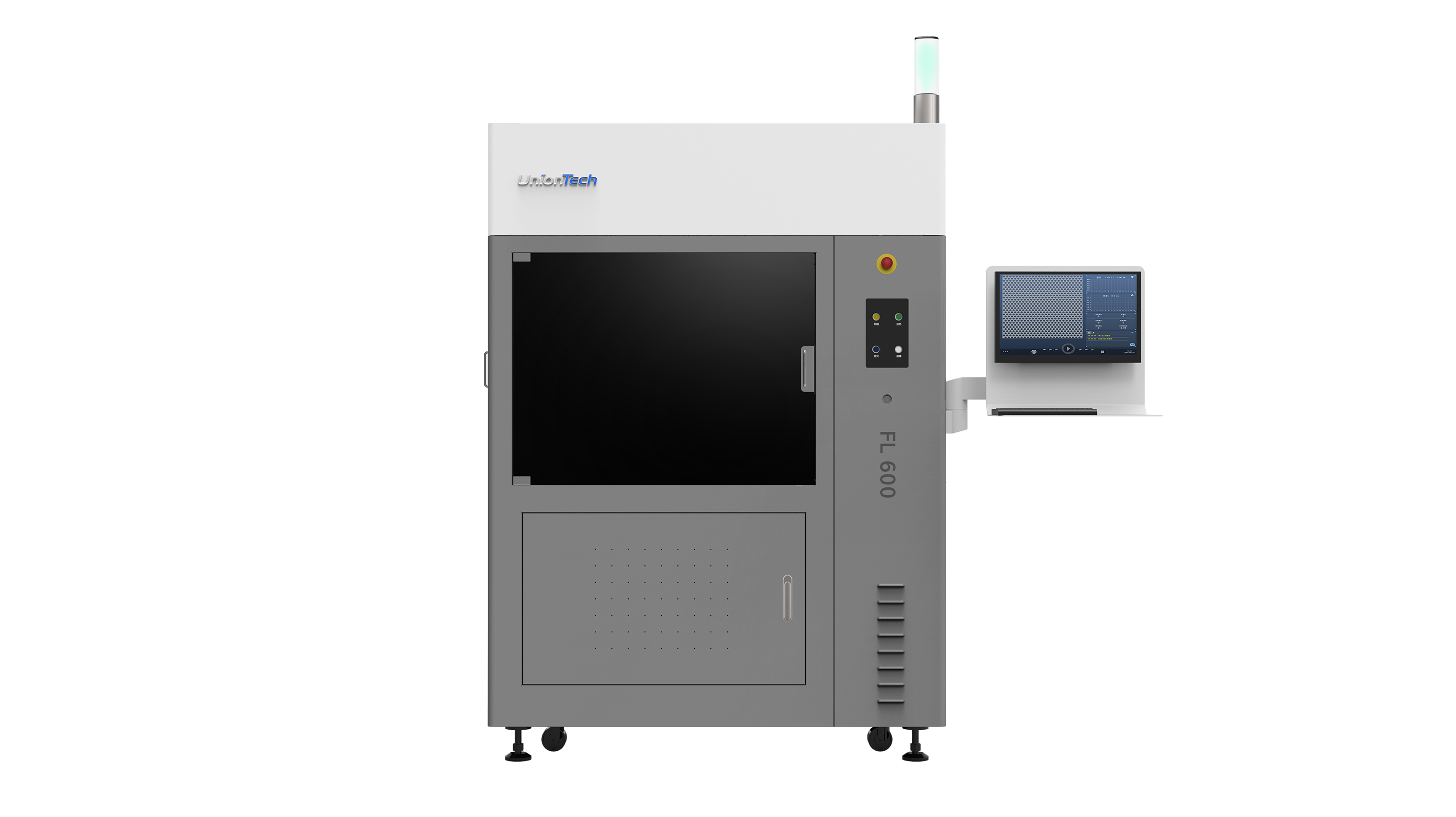
When people talk about a large format industrial 3d printer, most assume a bigger build platform solves all scale problems. It doesn’t. I’ve seen two recurring flaws: inconsistent resin cure across large builds, and motion control limits that show up only after 200+ hours of operation. In Cape Town in April 2022 I installed a 1.2 m x 1.2 m UnionTech-class machine and we moved prototype runs from 7 days to about 48 hours — but not without reworking exposure maps and recalibrating the laser galvanometer. That recalibration cost us two days. No lie — those are the sorts of details suppliers rarely mention.
(Here’s the technical bit.) Large format systems magnify problems: resin viscosity differences cause uneven layer adhesion; small errors in the galvanometer produce surface waviness across a big build volume. The slicer settings that worked on a benchtop unit often fail at scale. Post-curing ovens that are fine for small batches leave inner layers under-cured when you stack parts densely. I’ve repeatedly recommended routine checks on resin temperature, laser alignment and build-platform flatness — these are low-effort steps that prevent expensive reprints. Look, I prefer machines that make these checks easier for technicians — trust me, your maintenance team will thank you.
Why does this catch teams off guard?
Because suppliers often demo machines with a single demo part, not a week-long production run. You don’t see thermal drift until you’ve run the machine under a real schedule. I’ve logged thermal drift curves and correlated them with a 12% rise in surface defects over 300 build hours. That’s measurable—and fixable—but only if you know to look for it.
Case example and a future-facing checklist
Let me give a concrete example. In late 2023 a client in Durban needed short-run tooling with tight tolerances. We chose a printer with fast printing speed and changed three process knobs: (1) tighter ambient control in the build room, (2) batch-specific exposure profiles, and (3) staged post-curing. The result: part tolerances met spec on the first run and we cut finishing hours by 35%. That surprised everyone — including me — because the move looked small on paper, but it fixed a cascade of small errors. — I didn’t expect the finish time to drop that much, yet the data was clear.
Looking forward, I expect hybrid controls (better thermal sensors, closed-loop laser calibration) and smarter material profiles to matter most. Short term: compare machines on three practical metrics (I’ll list them), not just on advertised speed. Mid term: watch for controls that automate exposure compensation across build volume. Long term: I think modular post-curing and in-line inspection will change how we define uptime. — and yes, you should pilot any big change for at least one month under production conditions.
What should you measure right now?
Here are three clear, actionable evaluation metrics I recommend when comparing machines and suppliers:
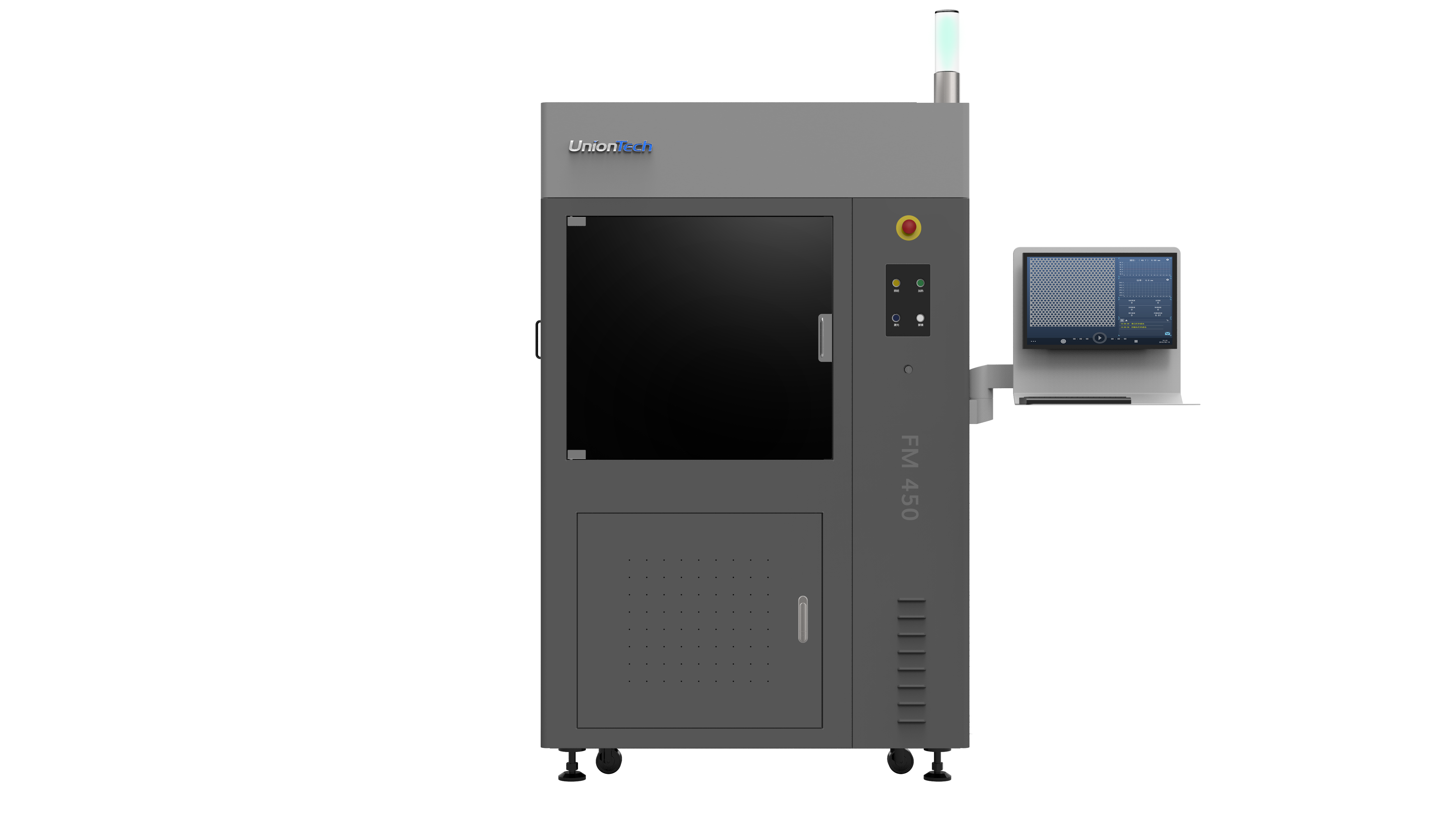
1) Throughput under production load — measure average parts per 24 hours with your typical packing density, not the vendor demo cycle.
2) Rework rate tied to process variables — track percent of parts that need rework and log associated factors (resin lot, build orientation, ambient temp).
3) Maintenance touch-hours per 100 print hours — quantify how much technician time is needed to keep the machine in spec.
To close: I won’t pretend any single system is the final answer. You need to match machine capability with your workflow, staff skill and part spec. I have seen well-chosen hardware and disciplined process controls knock weeks off lead times and reduce material waste. If you want a starting point, examine those three metrics, pilot a run for 30 days, and insist on documented thermal and motion calibrations from your supplier. For hands-on installations and service I have worked with brands such as UnionTech and others; they are one source among many, but measure outcomes — not promises.
