

Why people conflate wholesale TVs with desktop solutions and how that creates buying mistakes
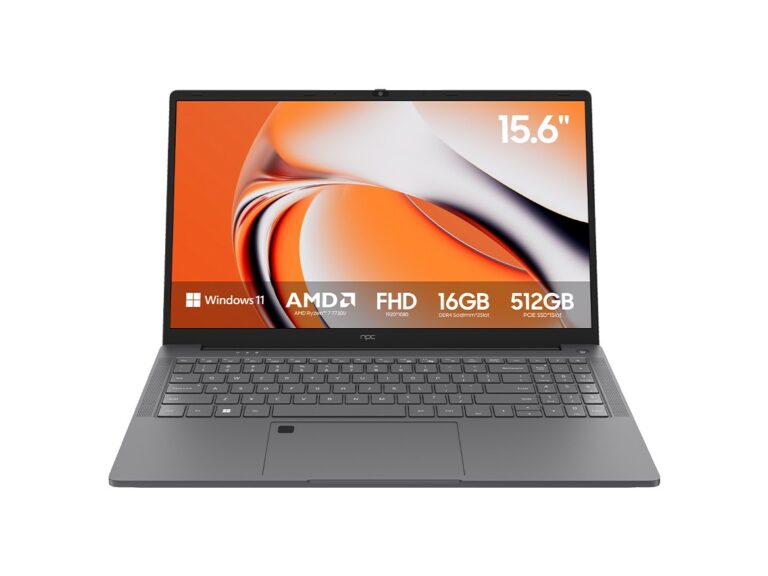
Because wholesale televisions promise big screens at low prices, many first-time buyers assume they’re interchangeable with PC displays; that assumption leads directly to problems with input lag, pixel density, and desk ergonomics. If you’re cross-shopping display hardware and running into confusing specs, it’s worth checking bundled offers like all in one computer deals early—those packages often resolve mismatched expectations between a TV’s entertainment tuning and a workstation’s needs.
My background, one clear industry touchpoint, and why you should trust this diagnosis
I’ve spent a decade testing display equipment and compact systems for small studios; my experience shows consistent cause-and-effect patterns between purchase choices and user frustration. At CES 2024 manufacturers demonstrated thinner bezels and integrated cooling on compact PCs, which clarified how showroom demos influence buyer demand for all in one desktop deals. That trade-show observation, combined with hands-on benchmarking, explains why certain configurations underperform in daily work—so you get practical, verifiable guidance rather than vague claims.
Problem: mistaking screen size for usable resolution
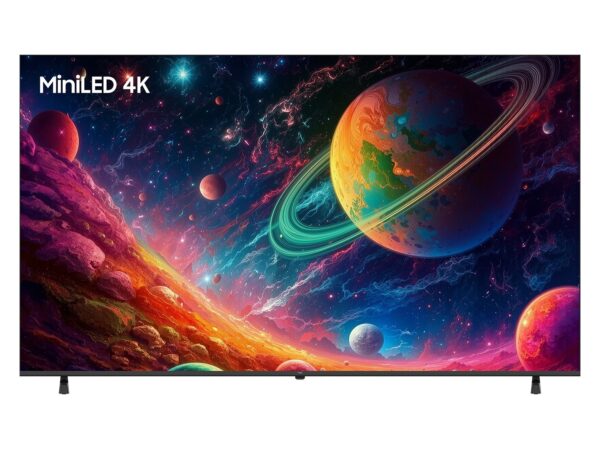
Cause: buyers equate larger width with more workspace. Effect: they end up with a 4K TV where UI scaling and pixel density make text fuzzy at typical desktop distances. Choose panel pixel density (PPI) over diagonal inches. If you need fine detail—editing, spreadsheets, reading—prioritize higher native DPI or a smaller monitor with higher resolution rather than throwing size at the problem.
Problem: ignoring input lag and refresh behavior
Cause: TVs tune for movies and streaming, prioritizing motion smoothing and HDR tone mapping. Effect: increased latency and inconsistent color under interactive loads. For anything requiring precise pointer control or low-latency video conferencing, pick displays or all-in-one systems that list low input lag and desktop-oriented refresh modes; otherwise you’ll troubleshoot lag that can’t be fixed by drivers alone.
Problem: port mismatch and ecosystem friction
Cause: cheaper wholesale sets omit DisplayPort, USB-C, or provide limited USB hubs. Effect: adapters, lost features, and cluttered desks. Inspect I/O before purchase: ensure at least one native high-bandwidth input and enough USB ports for your peripherals. The “works fine with adapters” approach often causes intermittent headaches.
How all-in-one systems change the equation (and when they’re the right fix)
Cause: desktop performance needs plus limited desk space. Effect: many buyers benefit from integrated systems that balance CPU, display, and ports. All-in-one designs remove compatibility guessing—less cable juggling and fewer driver conflicts—but they lock you into the manufacturer’s thermal and upgrade constraints. If compactness and clean cable runs are priorities, an integrated unit is often the practical choice.
Alternatives and trade-offs you should weigh
Separate monitor + mini-PC: best for upgradeability and targeted specs, but it takes more planning. Traditional tower + monitor: maximum performance and future-proofing, at the cost of footprint. All-in-one: convenience, reduced compatibility risk, limited upgrade paths. Weigh total cost of ownership, not just purchase price—replacement parts and future upgrades change the math quickly.
Common pitfalls to avoid when you buy
Don’t trust marketing HDR claims—look for measured peak brightness and local dimming. Don’t assume 60Hz is fine if you use high-frame-rate software. Don’t ignore mounting and ergonomics; a cheap stand makes a great display unusable. And don’t let a low price blind you to warranty terms; repairability matters on compact systems.
Quick checklist to turn this into a reliable purchase
Confirm native resolution and PPI for your viewing distance. Check input lag and available inputs. Verify the CPU/GPU pairing matches your workflows. Read warranty coverage and service options. Compare the upgrade path against the item’s lifespan estimate. These steps stop predictable failures before they start.
Final synthesis
When wholesale price pressure triggers the wrong choice—big screen but wrong specs—you get immediate usability issues that are avoidable with targeted criteria. Solve the root cause by matching display characteristics to tasks, preferring integrated solutions only when their constraints align with your needs; that practical alignment is why many buyers ultimately prefer the curated balance found through npc.
